AI Filmmaking
The Complete Guide to AI Filmmaking with MakeFilms
Everything you need to make AI films with MakeFilms: from script and storyboard to rendered shots and long-form films up to 30 minutes. Guides, tutorials, and examples.
By MakeFilms Editorial · 2 min read ·
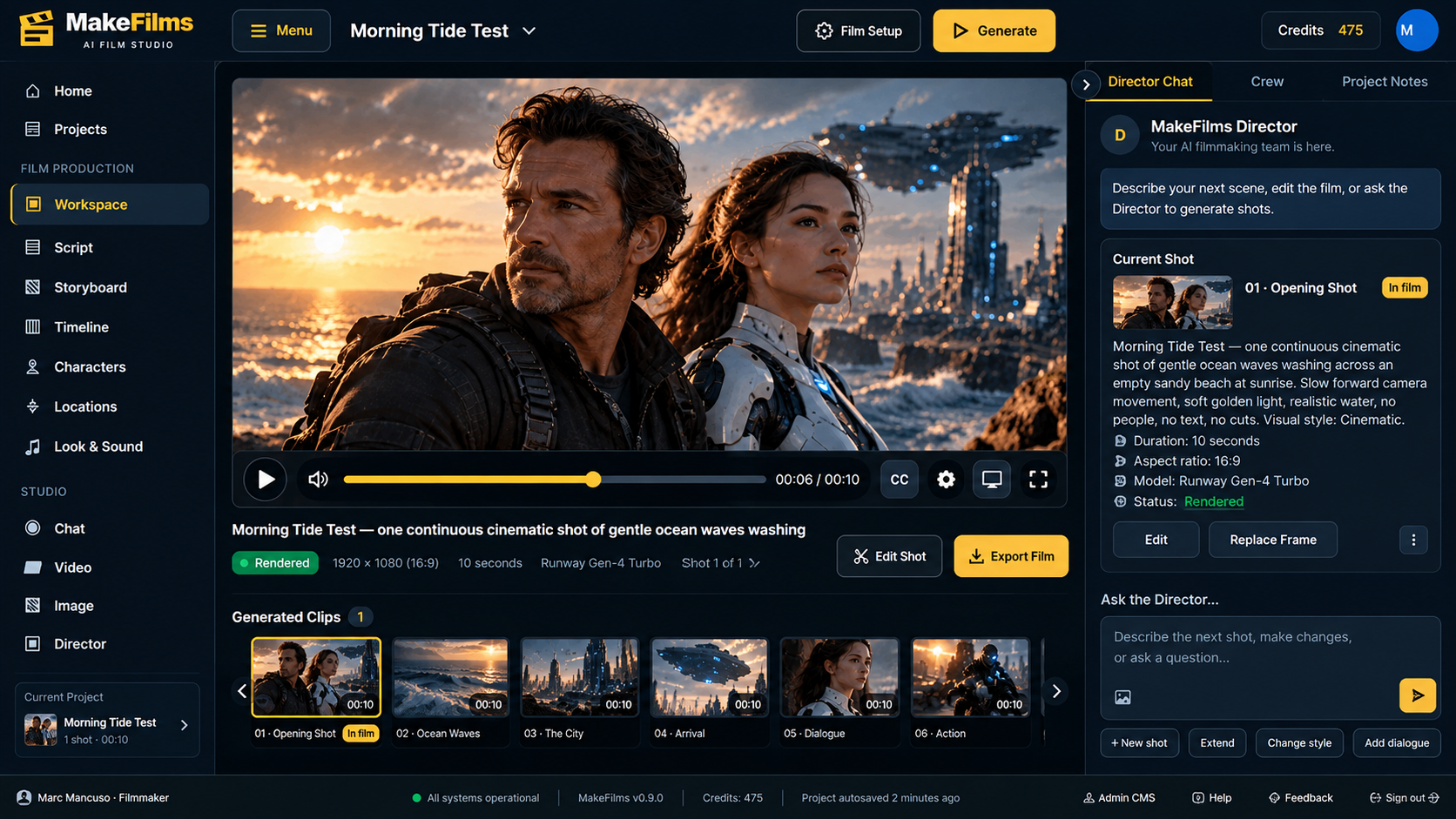
AI filmmaking has moved past one-off clips. With the right workflow you can write a script, break it into shots, keep characters consistent, and render a finished film. Use this page as your map. It collects every MakeFilms guide, tutorial, and showcase in one place, ordered the way a real production runs.
1. Start here
- New to MakeFilms? Read the MakeFilms grand opening for what we built and why.
- See the workflow end to end: How it works
- Pick a plan: Pricing, or create a free account and open the Create form.
2. Write the script
Every good film starts on the page. MakeFilms turns a written scene into a plan you can direct.
- Script to video: how a script becomes shots and clips.
- Category: Screenwriting
3. Storyboard your shots
Plan before you render, and you'll save credits and keep continuity.
- How to Use an AI Storyboard Generator to Turn a Script Into Shots
- Product: AI storyboard generator
- Category: Storyboarding
4. Generate and direct the film
- AI filmmaking software: the MakeFilms workspace
- AI short film maker
- Categories: AI video models, Filmmaking tips, Tutorials
5. Go long: films up to 30 minutes
Most AI video tools stop at clips of a few minutes. MakeFilms is built for long-form work. The company says it supports films of up to 30 minutes, compared with the roughly 5-minute ceiling common elsewhere.
6. Get inspired
- Examples and Creators
- Showcases: Get Back Up (MMA movie), Animalverse animation series, Drama series, Afterlight official trailer
- Category: Creator showcases
7. Stay current
- Product updates
- Industry news
- AI filmmaking
- More guides: Resources