Screenwriting
How to Write a Script for AI Video That Films Well
Learn how to write a script for AI video: visual beats, a character bible, short dialogue, and a storyboard before you spend credits.
By MakeFilms Editorial · 7 min read ·
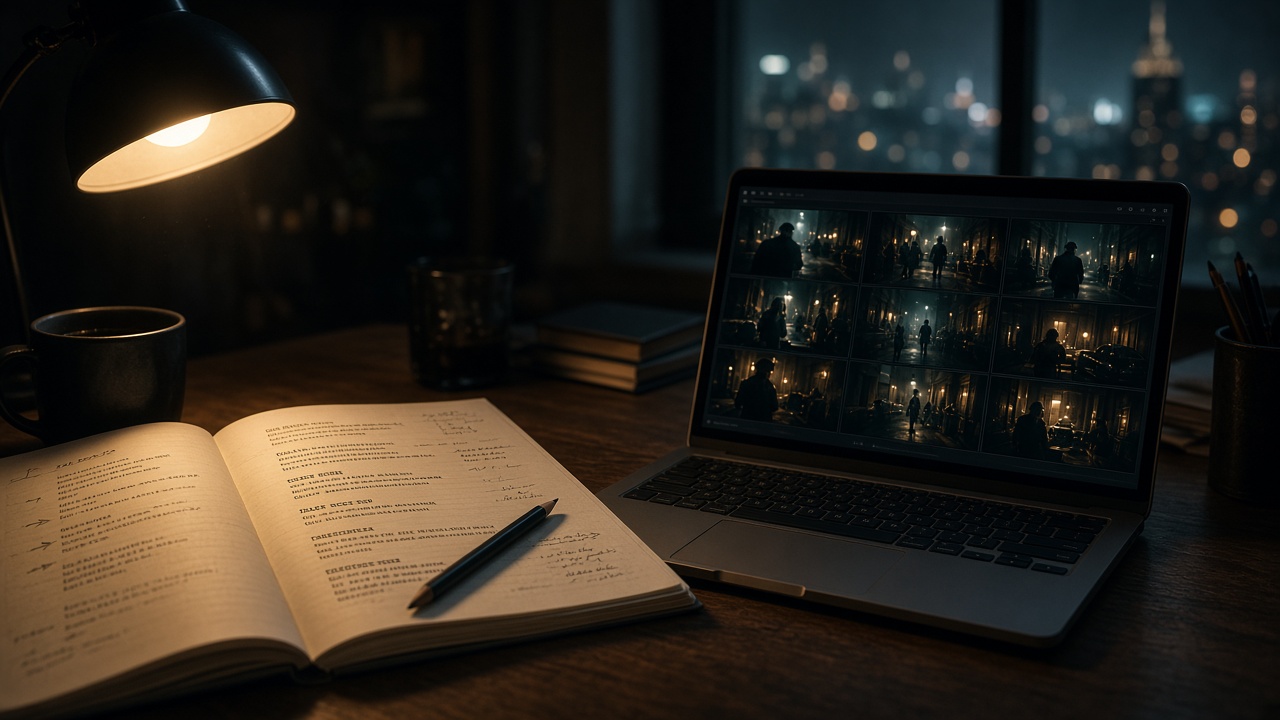
If you want to know how to write a script for AI video, start with one idea: an AI generator can only film what you put on the page. A traditional screenplay leans on a director, a cinematographer and actors to fill in the gaps. With AI filmmaking, your script is closer to a shooting plan, so clarity about who is in the frame, where they are, and what changes from moment to moment matters more than ever. This guide walks through a practical way to write scripts that turn into clean, consistent shots.
Why Writing a Script for AI Video Is Different
A human crew reads between the lines. If a scene heading says "kitchen, morning," they know to dress the set, pick a lens and block the actors. An AI video model works from what it is told, one clip at a time. That changes how you write in three ways.
- Every shot is its own request. Most AI clips are short, so a scene becomes a sequence of shots, and each one needs enough description to stand on its own.
- Consistency has to be designed. The same character, wardrobe and location need to be described the same way every time they appear, or they drift between shots.
- Action should be visible. Internal thoughts, backstory and subtext don't render. What a viewer can see and hear is what you can generate.
None of this means abandoning good screenwriting. Structure, conflict and character still carry the film. It just means writing with the camera in mind from the first draft.
Step 1: Start With a One-Line Premise and a Shot Budget
Before you write a single scene, write one sentence that describes the film: who wants what, and what stands in the way. Then decide roughly how long the piece should be. A 60-second short, a five-minute story and a longer film each need a different number of shots, and every shot you generate costs credits.
A rough rule of thumb is to estimate how many shots each scene needs and add them up. That number becomes your budget. It keeps the script focused and stops you from writing a ten-location epic when you meant to make a one-room thriller. If you plan to go long, our guide on how to make a long AI film covers pacing and structure for films up to 30 minutes.
Step 2: Write a Character and Location Bible
The single biggest improvement you can make to an AI script is a short reference sheet that lives alongside it. For each main character, write a fixed description: age range, build, hair, a signature wardrobe item, and one distinctive detail. For each location, note the time of day, the lighting, the color palette and two or three set details.
Then reuse those exact phrases every time the character or place appears. If Maya wears "a rust-colored corduroy jacket" in shot one, she should wear "a rust-colored corduroy jacket" in shot twelve, not "a brown coat." Uploading reference photos for your characters and locations helps even more, because the model has an image to anchor to instead of words alone.
Step 3: Write Scenes in Visual Beats
Write each scene as a series of beats, where each beat is one thing the audience sees change. A good beat answers four questions: who is in frame, where they are, what they do, and how the camera sees it.
INT. DINER - NIGHT. Rain on the window. MAYA (30s, rust corduroy jacket) slides into a booth, eyes on the door. Medium shot, slow push in. She turns over a coffee cup. Close-up: her hand is shaking.
That short passage already reads as three or four shots. Compare it with "Maya waits nervously, wondering if he will show up." The second version tells you how she feels but gives a generator almost nothing to film. Keep emotions on the surface: shaking hands, a glance at the clock, a door that doesn't open.
Use camera language sparingly but deliberately
Terms like wide shot, close-up, over-the-shoulder, tracking shot and slow push in are useful because they describe framing clearly. Pick one per beat. Stacking several camera moves into a single short clip usually produces muddy results.
Step 4: Keep Dialogue Short and Speakable
Dialogue in AI video works best in short lines that fit inside a single clip. Long speeches are hard to keep in sync and hard to cut around. Break a monologue into exchanges, or cut to a reaction shot so the line can continue over a different image.
- Aim for one or two sentences per line.
- Mark who is speaking and who is on screen; they are not always the same person.
- Let silence work. A look across the table can replace a paragraph of exposition.
Step 5: Turn the Script Into a Storyboard
Once the draft reads well, break it into a shot list and storyboard before you generate any video. A storyboard lets you check continuity, pacing and coverage while changes are still cheap. You can spot a missing establishing shot, a jump in wardrobe, or a scene that needs one more reaction before it lands.
MakeFilms includes an AI storyboard generator that turns your scenes into frames you can review and adjust. For a deeper walkthrough of that stage, read how to use an AI storyboard generator to turn a script into shots.
Step 6: Match Shots to Models and Lock a Style
Different AI video models have different strengths. Some handle faces and dialogue close-ups better, others shine on sweeping wides or fast action. Writing your script in clear beats makes it easy to assign each shot to the model that suits it. Our guide to choosing AI video models for filmmaking goes through that decision shot by shot.
Pick a style preset early and keep it for the whole film. A consistent look does as much for continuity as consistent character descriptions do.
Step 7: Revise With the AI Director
Scripts improve in revision, and AI scripts are no different. In MakeFilms, the AI Director can help you talk through scenes and plan shot breakdowns. You stay in charge of the story; the Director helps translate it into a workable plan. Because the credit cost is shown before each generation, you can decide which shots are worth a retake and which are good enough to keep.
A Quick Checklist Before You Generate
- Is there a one-line premise and a rough shot count?
- Does every main character and location have a fixed description or reference photo?
- Can every beat be seen or heard, with no unfilmable internal thoughts?
- Does each shot have one clear framing or camera move?
- Are dialogue lines short enough to fit a single clip?
- Have you storyboarded the scenes and checked continuity?
- Have you chosen a style preset and the right model for each type of shot?
From Page to Screen
Learning how to write a script for AI video is mostly about writing what the camera can see, describing your world the same way every time, and planning shots before you spend credits on them. Do that, and the jump from screenplay to finished film gets much smaller. When you're ready for the next stage, our script to video workflow takes your pages through storyboard, generation and edit in one place.
Ready to film your script? Start a project on MakeFilms, or see the plans to pick the one that fits your production. Paid plans start at $19/mo.